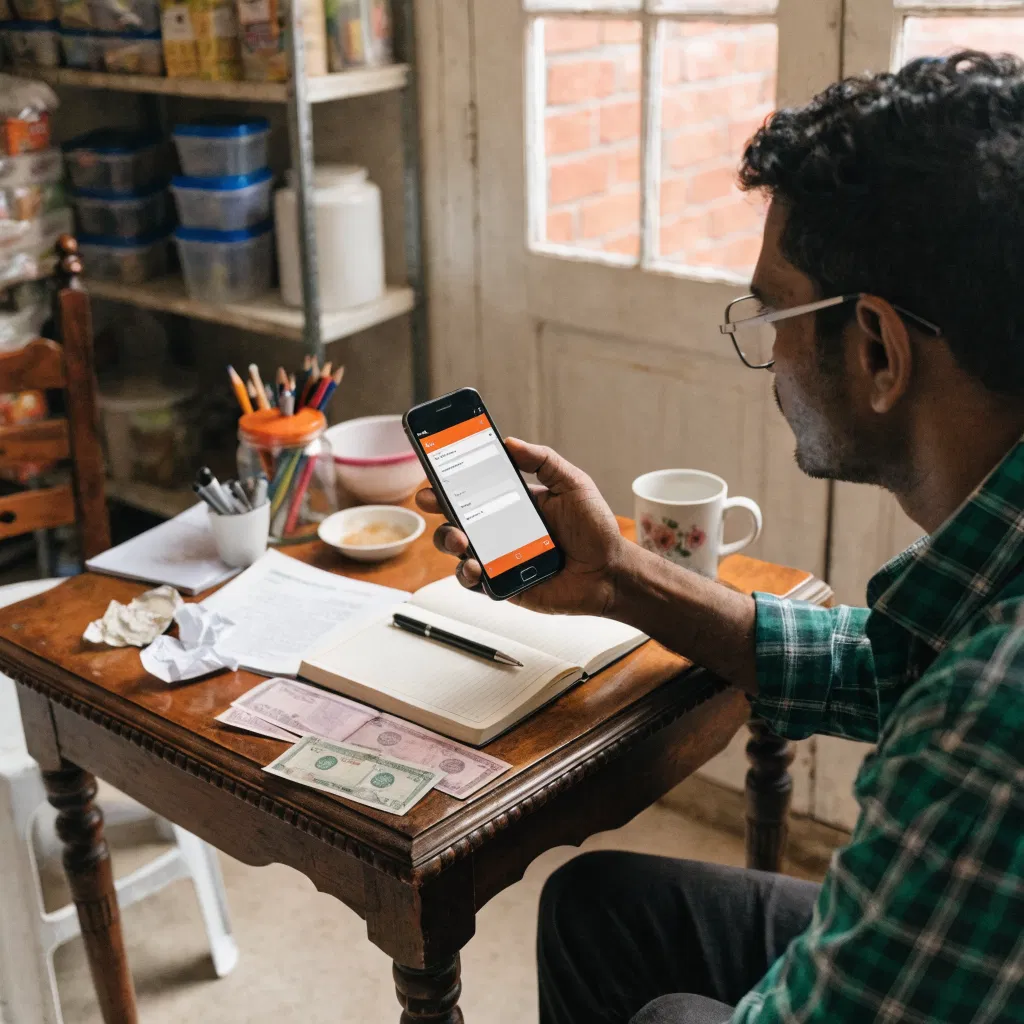
Master GST Invoicing on Mobile: Save Time Effortlessly
Arre bhai, kabhi socha hai, kitna time aur energy hamesha office desktop par invoice banane mein jata hai? You're in your shop, but run to your office just to create GST invoices. It's a time-sucking jhanjhat, na? But here's the good news: You can actually do it all from your mobile! No tension, no fuss—aur sab BillClap app ka magic hai.
Why Create GST Invoices on Your Mobile with BillClap?
Managing GST invoices shouldn't feel like negotiating Delhi traffic. It's crucial to handle it swiftly and accurately. This post will break down how you can start creating GST invoices directly from your mobile using the BillClap app.
By the end, you'll see how simple and intuitive this process can be, even from the comfort of your shop counter. Let's dive into the specifics.
Setting Up BillClap for Mobile GST Invoicing
First things first, you need the BillClap app installed on your mobile phone. It's available on both Android and iOS.
- Download the app from the Play Store or App Store.
- Sign up or log in using your credentials.
- Set up your business profile with necessary details, like GSTIN and HSN codes.
- Explore the dashboard to get comfortable with the options available.
The setup is as easy as having your morning chai—simple and refreshing!
Steps to Create a GST Invoice on Mobile
Crafting an invoice is as easy as ABC with BillClap. Here's how you can create a GST invoice on mobile:
- Open the BillClap app and navigate to 'Create Invoice'.
- Select the customer or add new customer details if needed.
- Enter product or service details along with their HSN or SAC codes.
- Add quantity, price, any discounts, and tax rate applicable.
- Preview the invoice, then hit 'Save'.
- You can also directly share the PDF invoice via email or WhatsApp.
Easy peasy, right? It's practically like ordering something online—quick and convenient!
Real Success Story: A Kanpur Kirana Store
Let me share the story of Arjun, a kirana store owner from Kanpur. Arjun had always delayed invoicing till after store hours, which meant less family time and more coffee. After switching to BillClap on his mobile, he started doing all his billing on the go, even during peak hours!
Arjun found more time for his customers, ensuring that each one left with a smile. His evenings became family time again. Ab wohi sawaal roz poochta hai, ki yeh maine pehle kyun nahi kiya?
Experience Matters: My Advice on GST Rule Compliance
As someone who has seen invoices cost businesses thousands, I can't stress enough the importance of compliance. Consider Rule 46 of the CGST Rules—this ensures your invoices are valid and recognized under GST laws.
Maine dekha hai kuch traders Surat mein, who got penalized because some small detail was missed on their invoices. With BillClap, you can make sure every invoice aligns with these rules effortlessly. Yahi hai asli relief!
Frequently Asked Questions
How can I create a GST invoice on mobile?
You can use the BillClap app on your smartphone. Simply download it from the app store, set up your account, and start creating invoices following a few easy steps.
Is BillClap compatible with Android and iOS?
Yes, BillClap is available for both Android and iOS devices. Just head to your respective app store and search for BillClap to download and install.
Do I need an internet connection to use BillClap?
Yes, you need an active internet connection to sync data and send invoices. However, you can work offline, and it will sync automatically once you're back online.
Can I share invoices directly via WhatsApp using BillClap?
Absolutely! BillClap lets you share invoices as PDFs directly from the app through WhatsApp, email, or any other sharing platform.
Are there any hidden charges on BillClap?
BillClap is transparent with its pricing. Ensure to check their official website or app for the most current subscription details. Transparency is key, after all!
The Convenient Future of GST Invoicing
With BillClap, you’re not just switching where you create invoices—you’re revolutionizing how you do business. Ek baar mobile se invoice banao, and you'll never go back. Jo relaxation milti hai, woh priceless hai.
So, if you want to unlock seamless invoicing on-the-go, BillClap is the way forward. It’s time to embrace this next-gen technology and focus more on growing your business. Aur haan, don't forget, agar aur bhi kuch queries hain, just explore Udyam Registration Benefits or dive into BillClap OCR tips for more efficiency.
Ready to make your billing this easy? BillClap helps you create GST invoices, track stock, and manage your business — all from your phone. Start free on BillClap and see for yourself.